Gugu Gaga Penguin Discord Emotes & Telegram Sticker Pack — Free Chat Pack
Twelve chibi Endmin / Penguinistrator stickers as a ready-to-install Discord emote pack and a Telegram sticker pack ready to publish via @stickers bot. Drop them into your server or your Telegram chat with the install steps below. Fan-made, free to use.
Disambiguation: this is the AI penguin meme from Arknights: Endfield (Endmin / Endministrator) — not the D Billions "Aaa Aaa Gugu-Gaga" kids song or the Goo Goo Gaga Santa Claus chocolate meme.
Sticker designs are AI-assisted fan art reviewed by the editorial team. Pack format follows current Discord (128×128 max for emotes) and Telegram (512×512 recommended for stickers) platform specs as of 2026-05.
Sources: Discord — Custom Emoji Help · Telegram — @stickers Bot
AI-assisted fan art, curated by gugugagapenguin.com. The 12 stickers below are generated with Nano Banana Pro (Google's Gemini 3 Pro Image, SynthID watermarked), post-processed to 512×512 transparent PNG, and reviewed by the editorial team before packaging.
How these stickers were made
Each sticker was generated with Nano Banana Pro using a 3-view character reference turnaround. Post-processing: alpha cleanup with rembg + downscale to 128×128 for Discord, 512×512 retained for Telegram. The character is fan-canon — Hypergryph has not issued formal reference material for the chibi penguin meme form.
How is this different from the meme gallery?
The meme & sticker gallery is for browsing — 44+ Endmin expressions you can scroll through, save individually, or share on social media. It's web-first.
This page is a platform-specific installable pack — 12 stickers sized and packaged for Discord's custom-emote upload (128×128) and Telegram's @stickers bot (512×512). Discord installs in one bulk upload; Telegram publishes via the @stickers bot flow below.
If you just want to look at memes, head to the gallery. If you want stickers usable inside Discord or Telegram chat, stay here.
The 12 Stickers
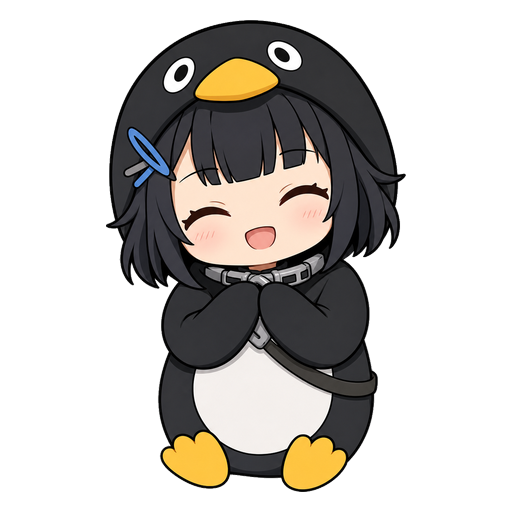
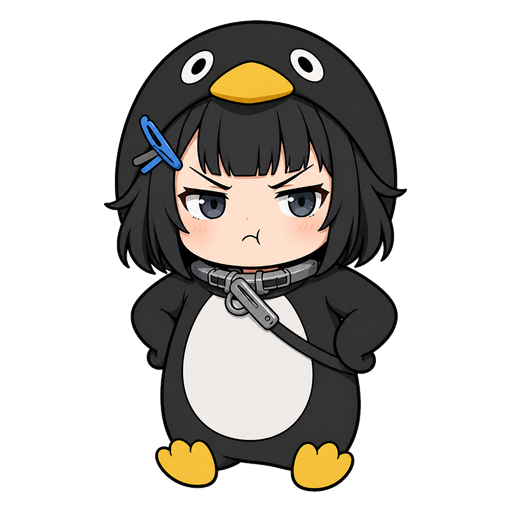
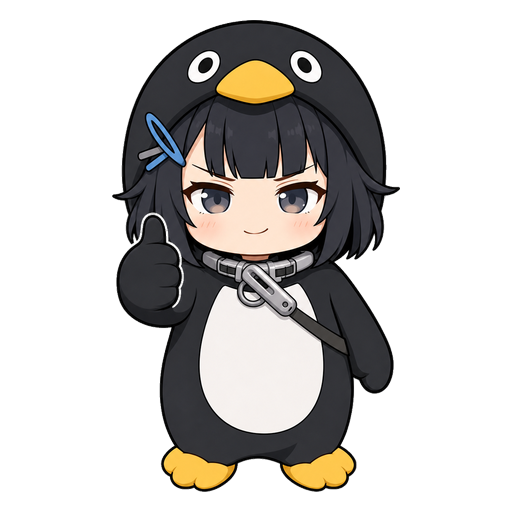
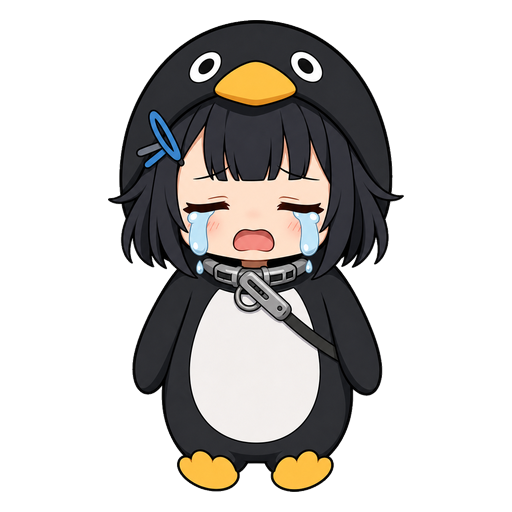
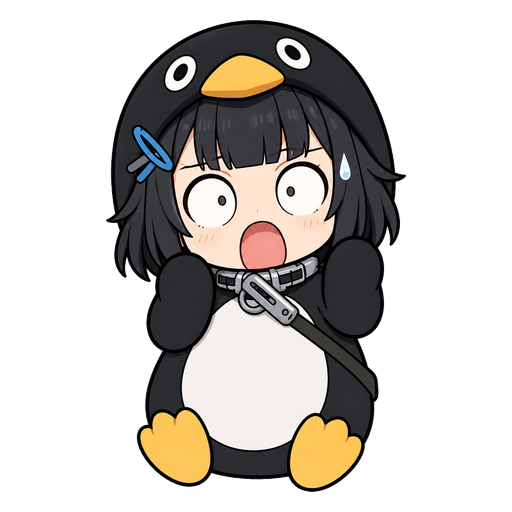
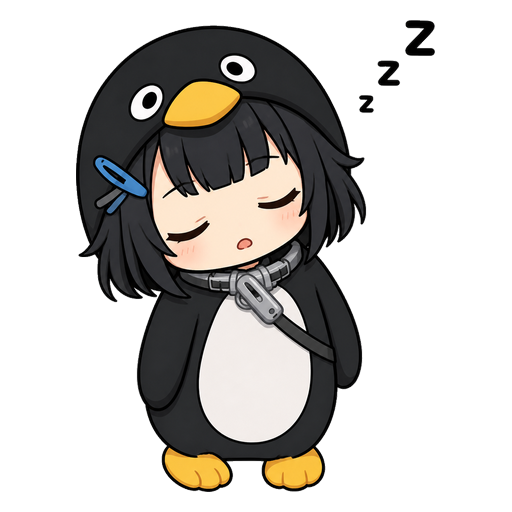
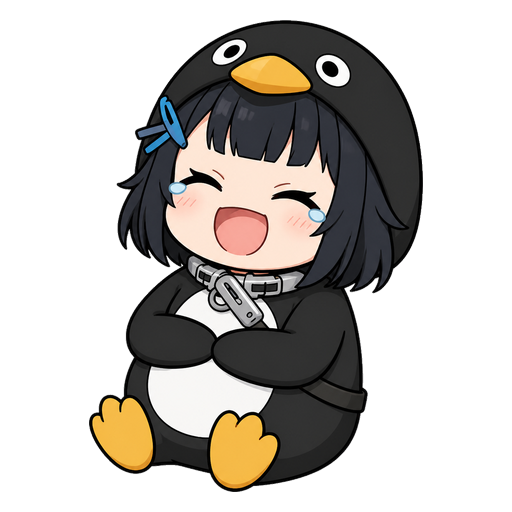
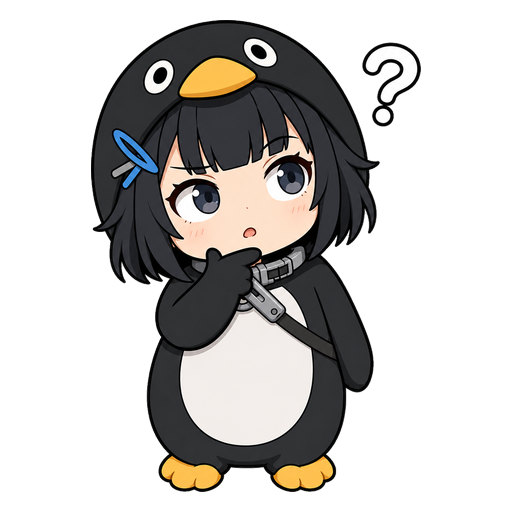
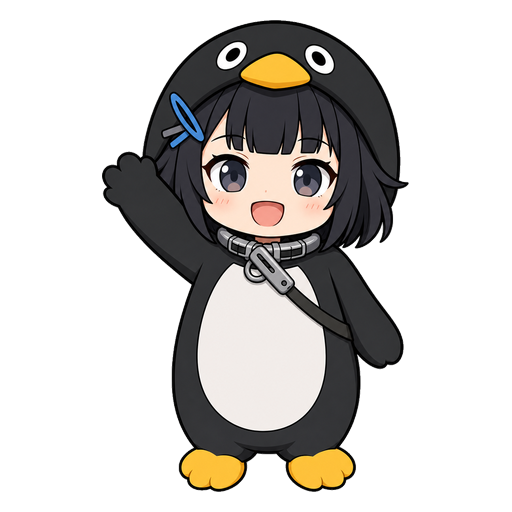
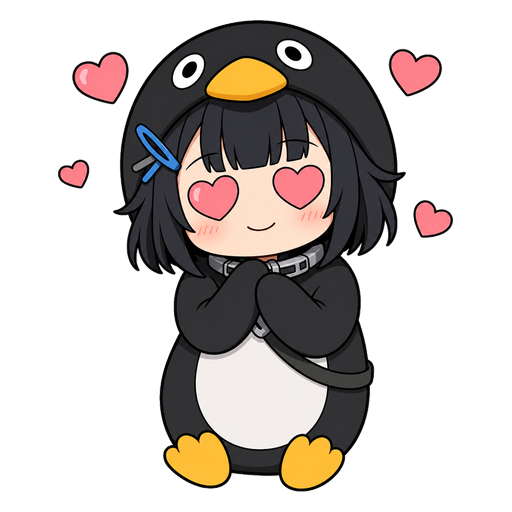
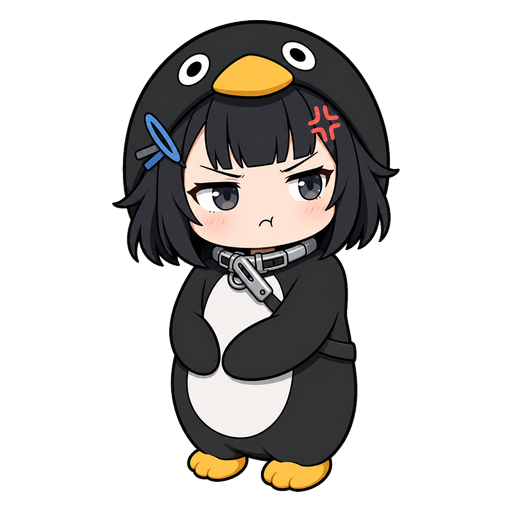
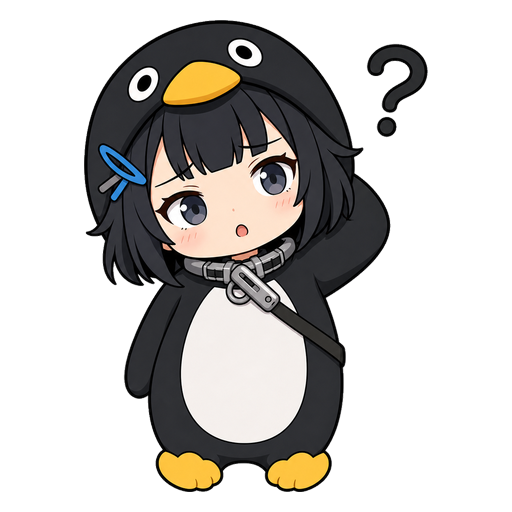
Click any sticker to download just that PNG (512×512, transparent). For bulk install on Discord, use the ZIP pack below. For Telegram, follow the @stickers bot steps in the Telegram section.
Discord — Install as Custom Emotes
Discord custom emotes max out at 128×128 and 256KB each. The Discord ZIP below has all 12 stickers pre-sized to 128×128. You need Manage Emojis permission on the server.
Download Discord Pack — 12 emotes (.zip)- Unzip the file on your computer.
- In Discord, open your server's Server Settings → Emoji.
- Click Upload Emoji.
- Select all 12 PNG files at once. Discord uploads them in a batch.
- Rename each emote to your liking (Discord allows letters, numbers, and underscores).
Free Discord servers get 50 emote slots; Boosted servers get 100-250+. Check your server's available slots before uploading the full set.
Telegram — Install Our Pack (or Publish Your Own)
12 Gugugaga Penguin (Endmin / Endministrator) stickers — already published, one-click install:
Add to Telegram t.me/addstickers/gugugaga_penguinOpens Telegram (mobile app or web). One tap on "Add Stickers" inside Telegram and the full 12-sticker set is in your sticker tray, usable in any chat.
Want a custom variant? Publish your own pack via @Stickers bot
Telegram does not accept ZIP-with-metadata.json uploads — packs are published one sticker at a time via the official @stickers bot. The 12 individual PNGs in the gallery above are already 512×512, ready for the flow:
- Download all 12 stickers individually from the gallery above.
- In Telegram, open a chat with @stickers (opens in new tab).
- Send
/newpack(modern Telegram) or/newstickerpack(legacy alias — both work). - Give your pack a custom name when the bot prompts you. When asked for a description, use:
Fan art — not affiliated with Arknights / Hypergryph(Telegram 64-char limit, IP-defense clarification). - Upload each PNG one at a time, and pair it with an emoji (the bot will ask). Suggested pairings: 😊 happy, 😤 pout, 👍 thumbs-up, 😢 cry, 😲 shock, 😴 sleep, 🤣 laugh, 🤔 think, 👋 wave, 🥰 heart-eyes, 😠 angry, ❓ confused.
- Send
/publishand choose a short URL handle (must be globally unique, a-z 0-9 _ only). - The bot returns a
t.me/addstickers/<your-handle>link. Share it to install in any Telegram chat.
Your pack lives on Telegram once you publish — anyone with the link can add it to their own sticker collection. The fan-art disclaimer in the pack description preempts trademark confusion if the pack surfaces in Telegram search.
Common Questions
Are these free to use?
Yes, free for personal use in your own Discord servers and Telegram chats. They're fan art — please don't resell or include them in paid sticker packs on Telegram.
Why does Discord get a ZIP but Telegram doesn't?
Discord caps emotes at 128×128 and 256KB. Telegram wants 512×512 but its official @stickers bot doesn't accept ZIP uploads — it requires sending each sticker individually and pairing it with an emoji. Same 12 designs, two different upload flows.
Can I use these on Slack or other chat apps?
Slack and most other chat apps accept the 128×128 PNGs from the Discord pack as custom emoji. Check your app's emoji size cap — most are 128×128 or smaller.
My Discord server is out of emote slots — what do I do?
Boost your server to unlock more slots (50 → 100 at Tier 1, 150 at Tier 2, 250 at Tier 3), or replace some of your existing emotes with the Endmin set. The individual PNG downloads above let you pick which subset to upload.
Will there be more sticker packs?
If this pack gets used, we'll make a Volume 2 (more expressions + scene variants). Let us know in your Discord server which emotes you're missing.