Best AI Tools for Gugugaga Penguin Videos
Six tools tested head-to-head: free options, one-click apps, and pro-grade pipelines. Pick the one that matches your budget and skill level.
Want step-by-step instructions instead? Read the full video tutorial — or grab free copy-paste prompts to start immediately.
Tools were evaluated based on publicly available free tiers as of March 2026. Pricing and feature limits change frequently — verify on each tool's official site before committing.
Sources: PixVerse official site · Seedance 2.0 on Dreamina (即梦 international) · Kling AI official site · HitPaw AI Video Generator · Runway Gen-3 Alpha · ComfyUI GitHub
⚡ Quick Verdict
Free trial credits, smooth motion, handles chibi style well. Up to 12s per clip.
Best for character-consistent Endmin animations. Free credits cover your first few tries. (affiliate)
Easier 3-step flow? Try HitPaw's themed Gugu Gaga page →
Reliable character consistency on the free tier. Best free-tier alternative when you don't need PixVerse's pro-level output.
Free and local. Unlimited length, maximum control. Needs GPU + setup time.
📊 Side-by-Side Comparison
| Feature | Seedance 2.0 | PixVerse | Kling AI | HitPaw | Runway Gen-3 | ComfyUI+LTX |
|---|---|---|---|---|---|---|
| Price | Free trial credits | Free credits | Free tier | Free trial | $12/mo | Free (local) |
| Ease of Use | ★★★★☆ | ★★★★☆ | ★★★★☆ | ★★★★★ | ★★★★☆ | ★★☆☆☆ |
| Character Hold | ★★★☆☆ | ★★★★★ | ★★★★☆ | ★★★☆☆ | ★★★★☆ | ★★★★★ |
| Motion Quality | ★★★★☆ | ★★★★☆ | ★★★☆☆ | ★★★☆☆ | ★★★★★ | ★★★★☆ |
| Max Clip Length | 12s | 15s | 10s | 5s | 16s | Unlimited |
| Best For | Free + quality | Character consistency | Reliability | Newbies | Polish | Full control |
Star ratings based on hands-on testing across 20+ Gugugaga Penguin video attempts per tool.
Which Tool Is Right for You?
Never Used AI
Start with the easiest path — upload your reference image, pick a motion template, done.
→ PixVerse
Free credits, no credit card, 8,000+ motion templates
Used AI A Few Times
You know what prompts are. Pick the tool with the best character consistency and longest free clips.
→ PixVerse (top pick) or Seedance 2.0
PixVerse: free credits + 15s clips; Seedance: free trial credits
Technically Skilled
You want full control over models, LoRA, and rendering pipeline.
→ ComfyUI + LTX
Free, requires GPU
01 Seedance 2.0 (即梦) — Best Free Option
Seedance 2.0, known as 即梦 in China, has become the default starting point for most Gugugaga Penguin video creators. The tool generates genuinely smooth motion from a single reference image, and it handles the chibi-proportioned penguin character better than most competitors at this price point. The free trial credits (for eligible accounts) let you produce a few clips to experiment before upgrading to a paid plan.
The motion quality earns a solid 4/5 rating. Camera movement feels intentional rather than random, and the penguin's signature waddle translates well when you describe it clearly in the prompt. For chibi-style characters with flat colors and bold outlines, Seedance's diffusion model preserves the visual identity reliably across the full clip.
The main limitation is the 12-second ceiling per generation, which makes longer narrative sequences require manual stitching. Occasionally the model loses fine details like the blue hair clip or metallic harness strap in the middle of a clip — adding those details explicitly to your prompt reduces this. Character consistency across multiple separate generations is also weaker compared to Kling AI.
Follow the free-path section of our step-by-step guide: How to Make Gugugaga Penguin AI Video — Free Path
Verdict: If you want quality video output on free trial credits, Seedance 2.0 is the right first tool.
Visit Dreamina (Seedance 2.0) ↗02 Kling AI — Reliable Free-Tier Fallback
Kling AI's strongest card is frame-to-frame character stability. When you feed it a reference image of the Gugugaga Penguin, the model keeps the character's proportions, color balance, and costume details consistent from the first frame to the last in a way that Seedance occasionally fails to do. For creators who need to produce multiple clips that cut together cleanly, this reliability is worth prioritizing.
The free tier is genuinely usable — daily credits let you test the tool without a credit card. Motion fluidity sits slightly below Seedance at 3/5, but Kling compensates with better reference-image fidelity. The result is that your penguin looks like your penguin, not a generic AI interpretation of the character.
The trade-off is that complex motion prompts — like a backflip or rapid camera pan — tend to produce more artifacts than on Seedance or Runway. Stick to simpler movements (waddling, head-bobbing, slow camera push) for the most consistent output.
Verdict: The best free-tier choice when character consistency matters more than motion complexity.
Try Kling AI ↗03 PixVerse — Best Overall for Gugu Gaga Penguin Animation
PixVerse pulled ahead of every other hosted tool we tested specifically for one job: keeping the Endmin chibi penguin on-model from frame one to frame last. Where Seedance occasionally loses the blue hair clip and Kling sometimes flattens the head proportions on action prompts, PixVerse holds the character together with the highest reliability of any image-to-video tool in this comparison. For a meme that lives or dies on instant character recognition, this single property reshapes the recommendation.
The model also leans into stylized 2D and chibi inputs rather than fighting them. Many video AIs trained on photorealistic footage subtly drift your flat-colored penguin toward shaded, semi-realistic rendering — PixVerse preserves the original art style, so your output looks like an animated version of your reference image instead of a different character entirely.
What works well
- Character consistency on chibi art. The Endmin penguin stays recognizable across the full clip — same proportions, same costume details, same beak shape. This is the single biggest reason we now lead with PixVerse.
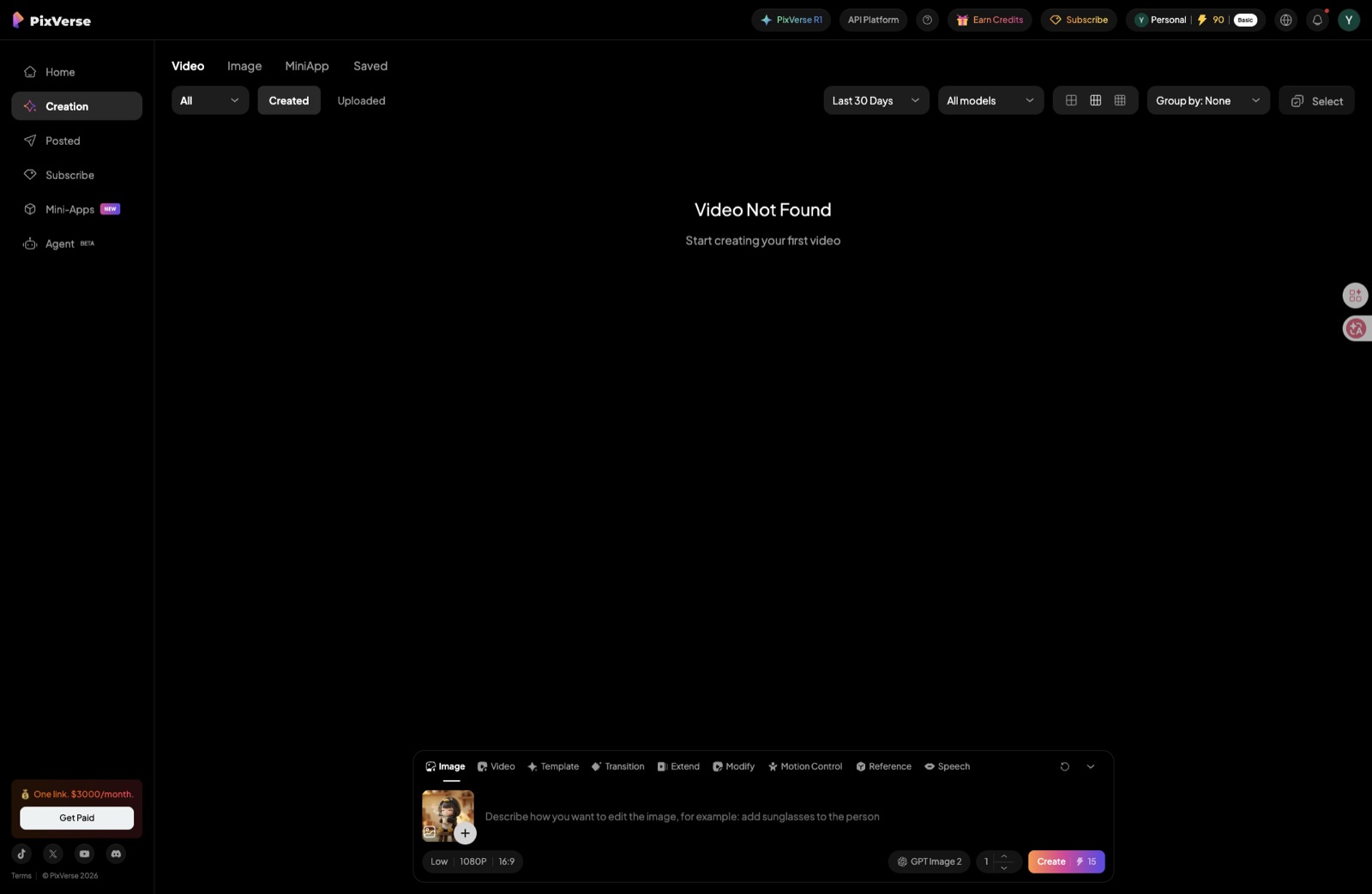
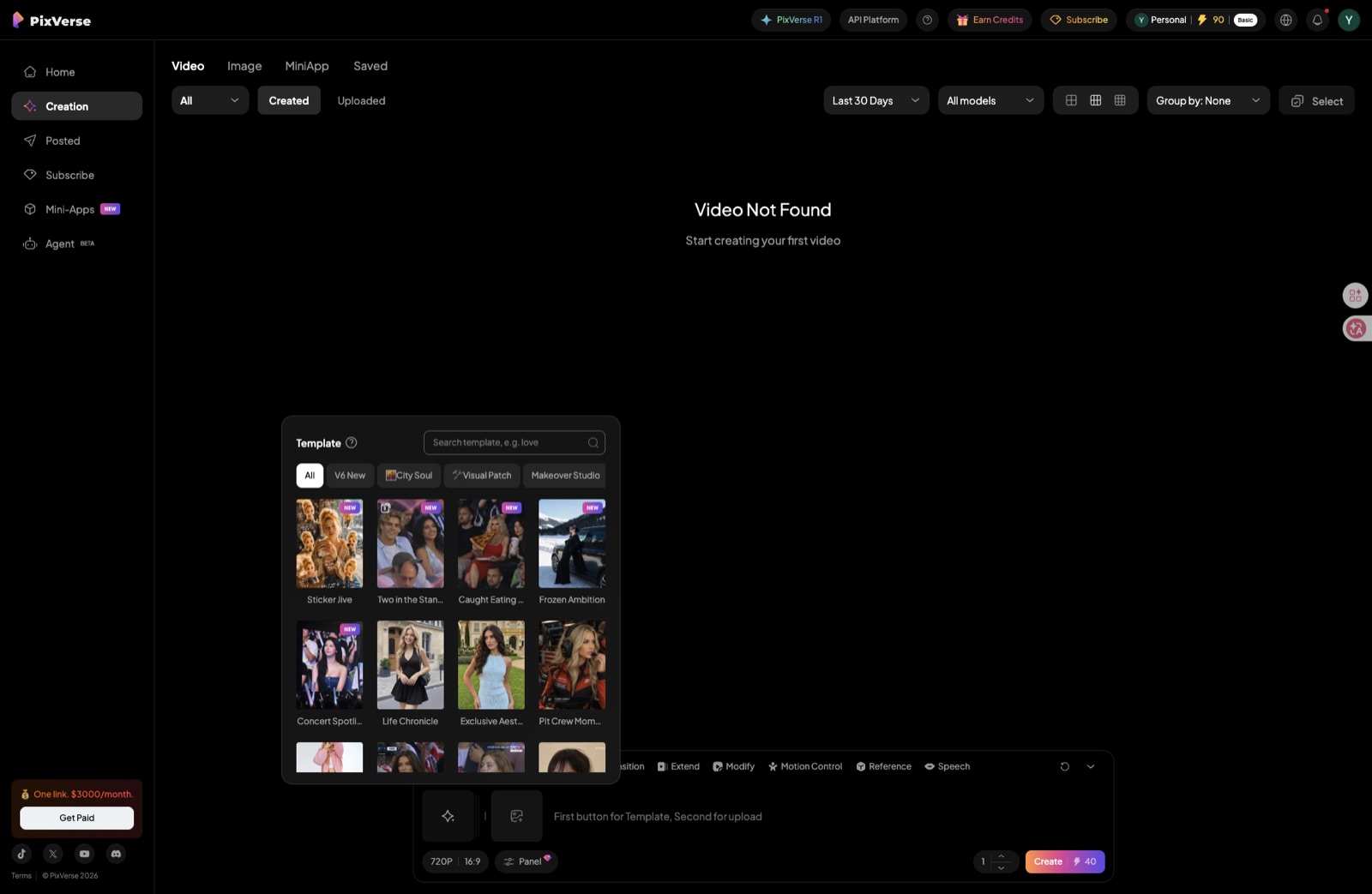
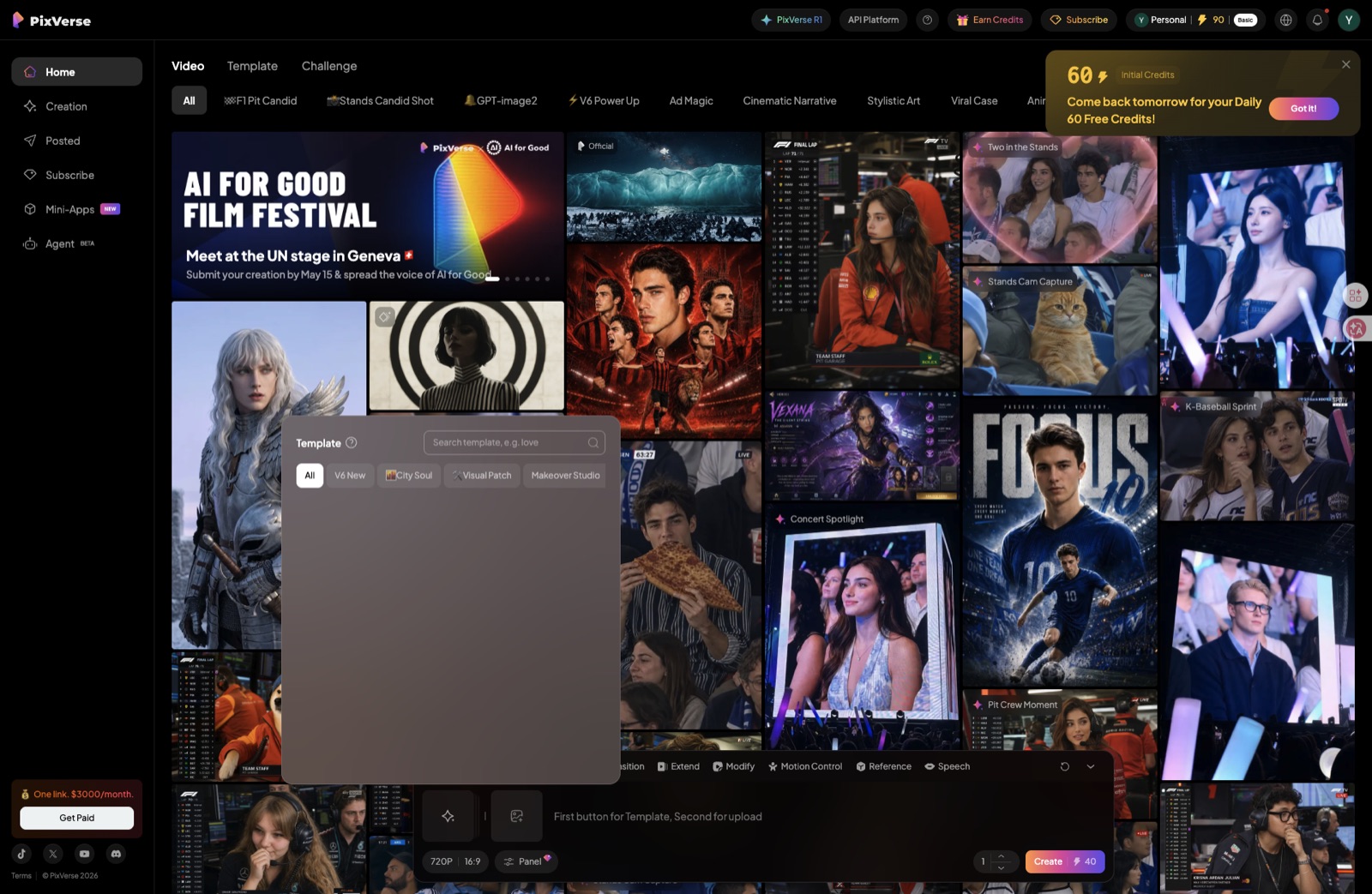
- 8,000+ motion templates. Instead of writing a prose prompt and hoping the model interprets "cute waddle, joyful spin, tail wag" correctly, you pick a pre-tuned motion preset and apply it to your reference image. For most Gugu Gaga ideas, this is 3–5x faster than prompt iteration.
- Free credits before any commitment. You can generate your first several clips without entering payment details, which lets you verify output quality on your own reference image before deciding whether to subscribe.
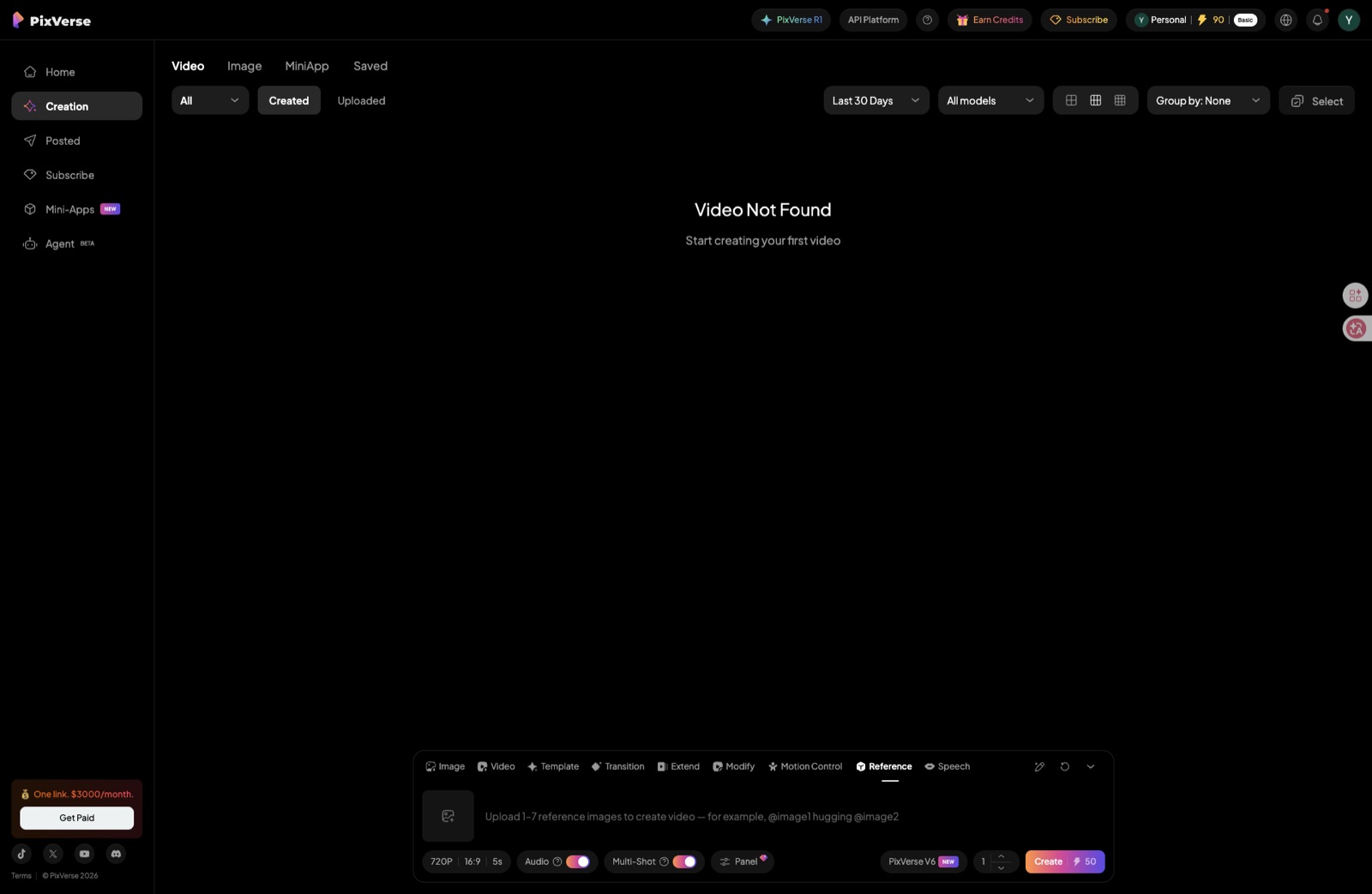
- Multi-shot scenes in a single generation. PixVerse V6 supports scene cuts within one render — useful for stitching a 2-shot Gugu Gaga sequence (reaction + payoff) without exporting two clips and editing them together.
- Public API for automation.
platform.pixverse.aiexposes a documented API, so if you produce Gugu Gaga content at volume you can pipe in references and pull out clips programmatically — none of the other hosted tools on this page expose a public API at this maturity level. - Stylized-character motion quality. For chibi and 2D inputs, motion fluidity rates a strong 4/5. PixVerse is not the absolute best for photorealistic cinematic shots (Runway still wins there), but for the stylized penguin specifically it is the best free-tier-accessible option we tested.
Where it falls short
PixVerse does not run a dedicated Gugu Gaga Penguin themed landing page. HitPaw does — its Gugu Gaga themed page drops you directly into a workflow that explicitly names the meme. With PixVerse you have to self-discover the right combination of motion template + reference image conditioning on your own. For total beginners who want zero friction between "saw the meme" and "made the meme," that gap is real. PixVerse V6 supports up to 15-second clips — the only hosted tool on this list that beats Kling's 10s cap; only Runway's 16s goes longer.
When to pick HitPaw or Kling instead
- Pick HitPaw if you want a themed landing page with zero learning curve — upload, click, download. PixVerse rewards a few minutes of template-browsing; HitPaw rewards nothing. If your goal is to ship one clip in five minutes, HitPaw is faster end to end.
- Pick Kling AI if you want a zero-cost option for non-character cinematic shots — slow camera pushes, environment pans, abstract motion. Kling's free tier is generous and its motion physics are solid for those use cases. For character animation, PixVerse (up to 15s) covers most Gugu Gaga clip lengths; only fall back to Kling if you specifically want the free tier with no paid commitment.
How to use it for Endmin
- Generate or download a clean front-facing Endmin reference image (our Make-your-own page walks through this in five minutes).
- Upload the image to PixVerse and browse the motion template library — for Gugu Gaga, search for idle bounce, cheer, waddle, or spin.
- Apply the template, set duration up to 15 seconds (V6 max), and let it render. Iterate on template choice (not prompt wording) until the motion matches your idea.
- Open the tool and start free: PixVerse →
Verdict: Paid plans start at $9.99/month, but the free credits are enough to evaluate whether character consistency on your specific reference image is meaningfully better — for most Endmin creators in our testing, it was. As noted in the disclosure above, our PixVerse links are affiliate-tracked; that is transparency, not the reason for the recommendation.
Try PixVerse Free ↗04 HitPaw — Easiest for Beginners
HitPaw removes nearly every technical barrier between you and a finished Gugugaga Penguin video. Upload your reference image, select the motion style, click generate — that is the entire workflow. The interface requires no prompt engineering knowledge, no model selection, and no post-processing outside the app. For someone who has never used an AI video tool before, this ease of use earns a clean 5/5.
Beyond video generation, HitPaw includes built-in image enhancement and background removal tools that smooth out common input problems — blurry reference photos, compressed PNG artifacts, inconsistent lighting. These cleanup steps normally require separate software, so having them in one place saves meaningful time for beginners.
The ceiling is 5 seconds per clip, which is the shortest cap on this list. Motion quality sits at 3/5 — acceptable for social content but noticeably softer than Seedance or Runway for detailed character animation. For quick TikTok or Instagram Reels content, these trade-offs are fine. For anything you want to look truly polished, you will outgrow HitPaw quickly.
See the beginner path walkthrough: How to Make Gugugaga Penguin AI Video — Quick Path
Verdict: The fastest path from zero to a finished Gugugaga Penguin video clip, especially if you have never used AI video tools.
Try HitPaw Free ↗05 Runway Gen-3 Alpha — Best Cinematic Quality
Runway Gen-3 Alpha produces the highest motion quality on this list — a genuine 5/5 for fluidity, physics-aware movement, and cinematic camera work. If you want your Gugugaga Penguin video to look like it came from a studio animation team rather than an AI generator, Runway is the tool. The 16-second clip length is also the most generous of any hosted tool tested here.
Character consistency sits at 4/5, competitive with Kling AI and meaningfully better than Seedance when generating action-heavy scenes. Complex motion prompts — running, jumping, environment interaction — all render more cleanly than on any free-tier tool. The difference is visible even at 1080p.
The trade-off is cost. At $12/month for the Standard plan, Runway has no free generation tier — only a short trial. For creators who are serious about quality and publish regularly, that is reasonable value. For casual experimenters, start with Seedance or Kling until you know video creation is something you want to invest in.
Verdict: The right choice when output quality matters more than cost, and you need clips longer than 10 seconds.
Visit Runway Gen-3 ↗06 ComfyUI + LTX — Maximum Control (Advanced)
ComfyUI with the LTX Video model is the only tool on this list that is both fully free and imposes no clip length limits. Running locally on your own GPU, you can generate sequences of any duration, build custom node workflows for batch production, and iterate at a speed that no cloud-based tool can match once the setup is complete. For creators who want to produce large volumes of Gugugaga Penguin content, the long-term economics are unbeatable.
Character consistency is the highest on this list at 5/5, because you control every parameter — the reference image conditioning, the ControlNet strength, the IP-Adapter weight. You can lock the penguin's appearance exactly and vary only the motion. This level of control is simply not available on hosted tools, even paid ones.
The steep learning curve is real. Setting up ComfyUI, installing LTX Video, configuring the node graph, and troubleshooting VRAM issues requires a technical background. Expect to spend several hours on setup before generating your first usable clip. The tool earns 2/5 for ease of use precisely because of this barrier. If you have a developer or AI background, that cost is a one-time investment. If you do not, start with one of the other tools and come back when you are ready to go deeper.
Full setup walkthrough for the advanced pipeline: How to Make Gugugaga Penguin AI Video — Pro Path
Verdict: The most powerful option for batch production and full creative control — but only for creators comfortable with technical setup.
ComfyUI on GitHub ↗🎯 Which Tool Should You Use?
- Zero budget Start with Seedance 2.0 — best output per free credit in the market.
- First timer Go with HitPaw — no prompting, no settings, just results.
- Series / consistency Use PixVerse (top pick) — best character consistency of any hosted tool, up to 15s clips. Kling AI as free-tier fallback if you want zero spend.
- Cinematic quality Runway Gen-3 at $12/mo is worth it when the output has to look professional.
- Batch production ComfyUI + LTX if you have a GPU and want unlimited, free, automated pipelines.
What You Can Create
All images below were generated using prompts from our free prompt collection.
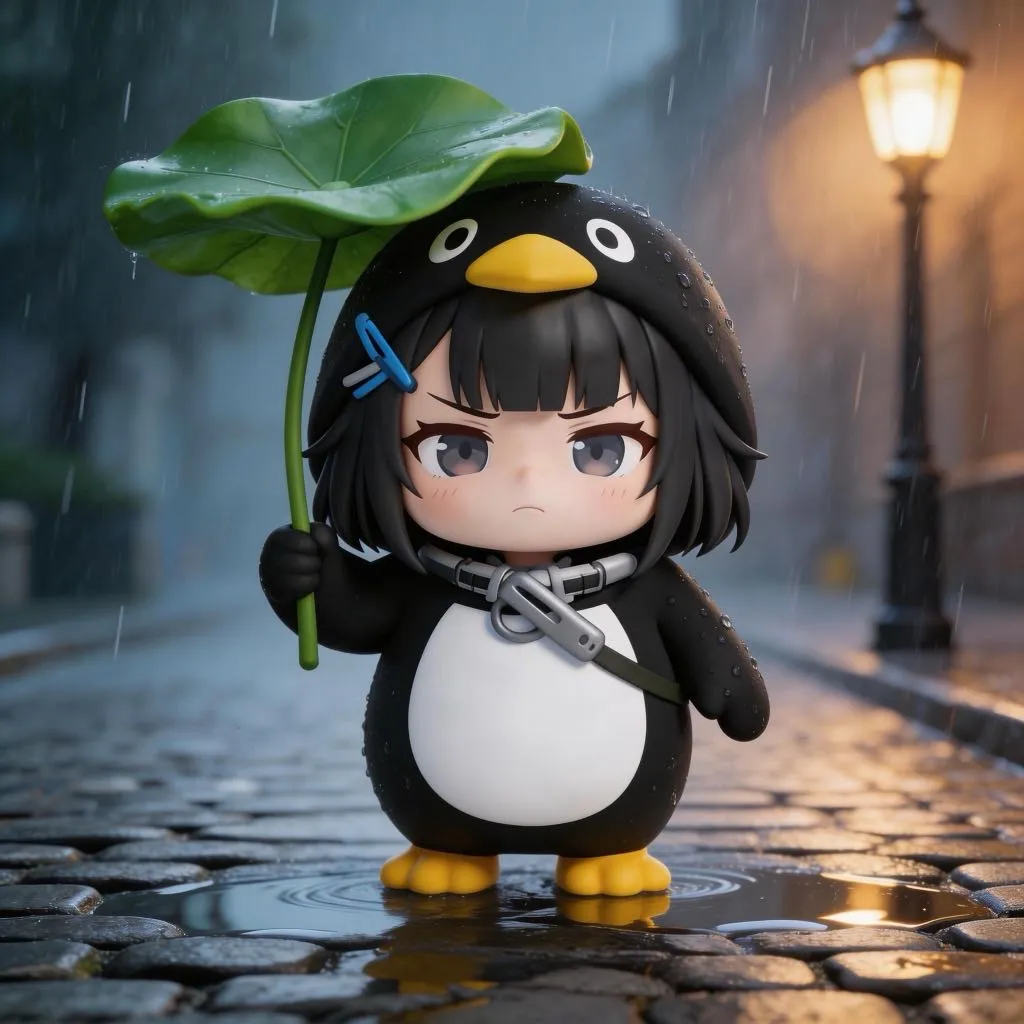
Rain Scene
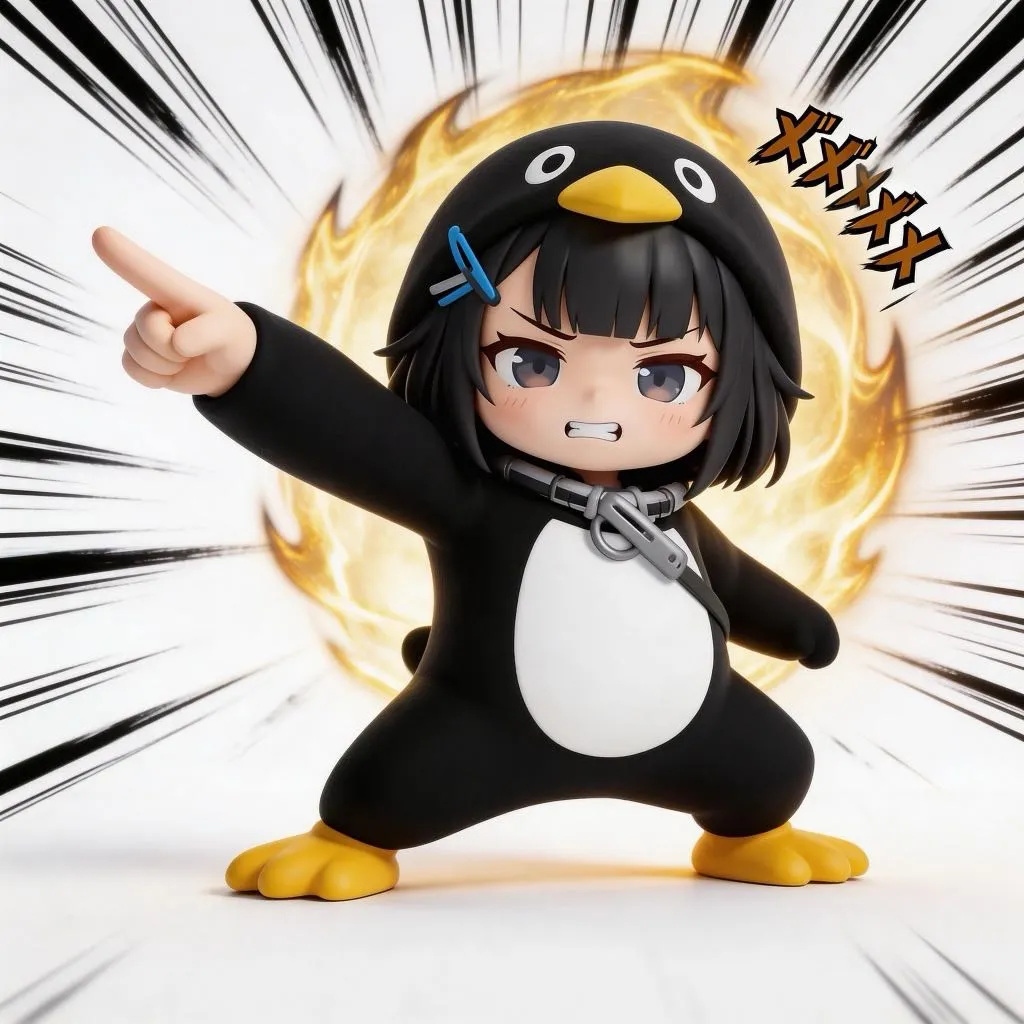
Action Scene
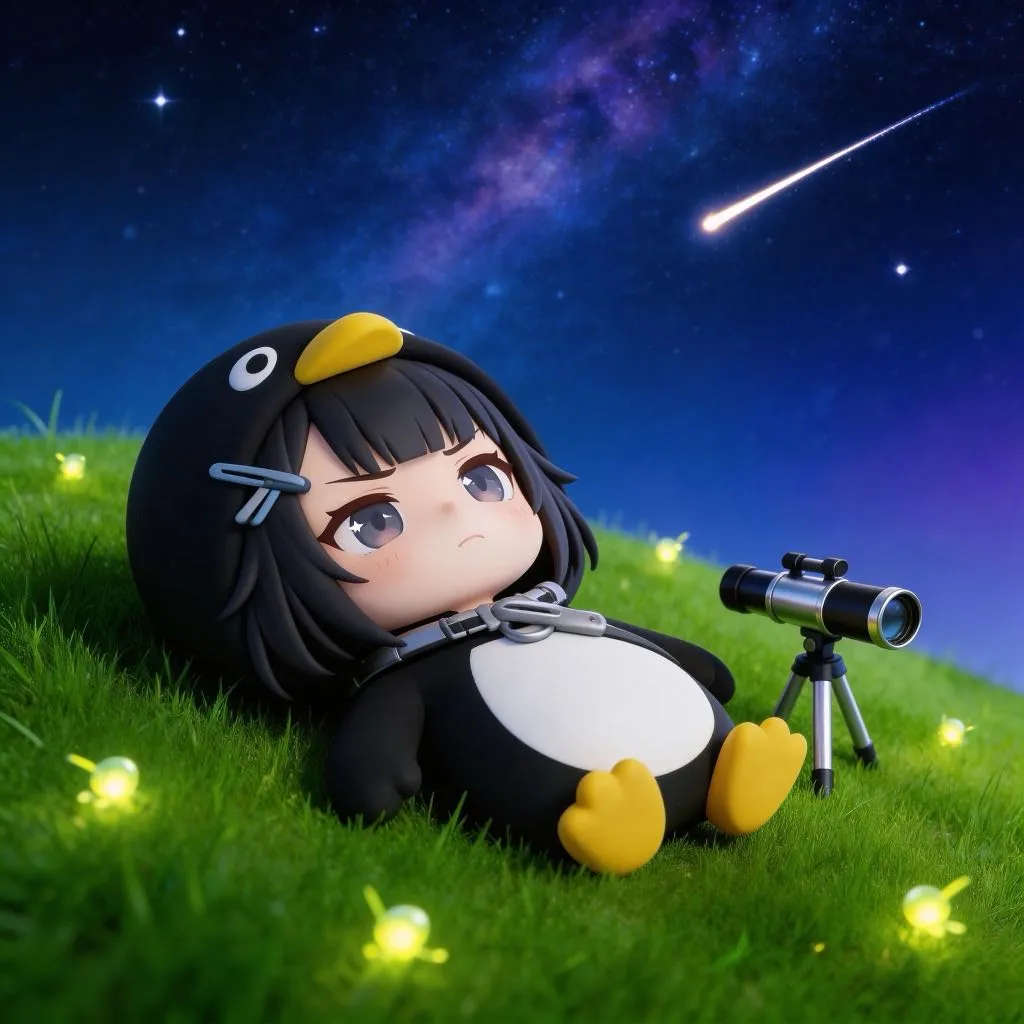
Night Scene
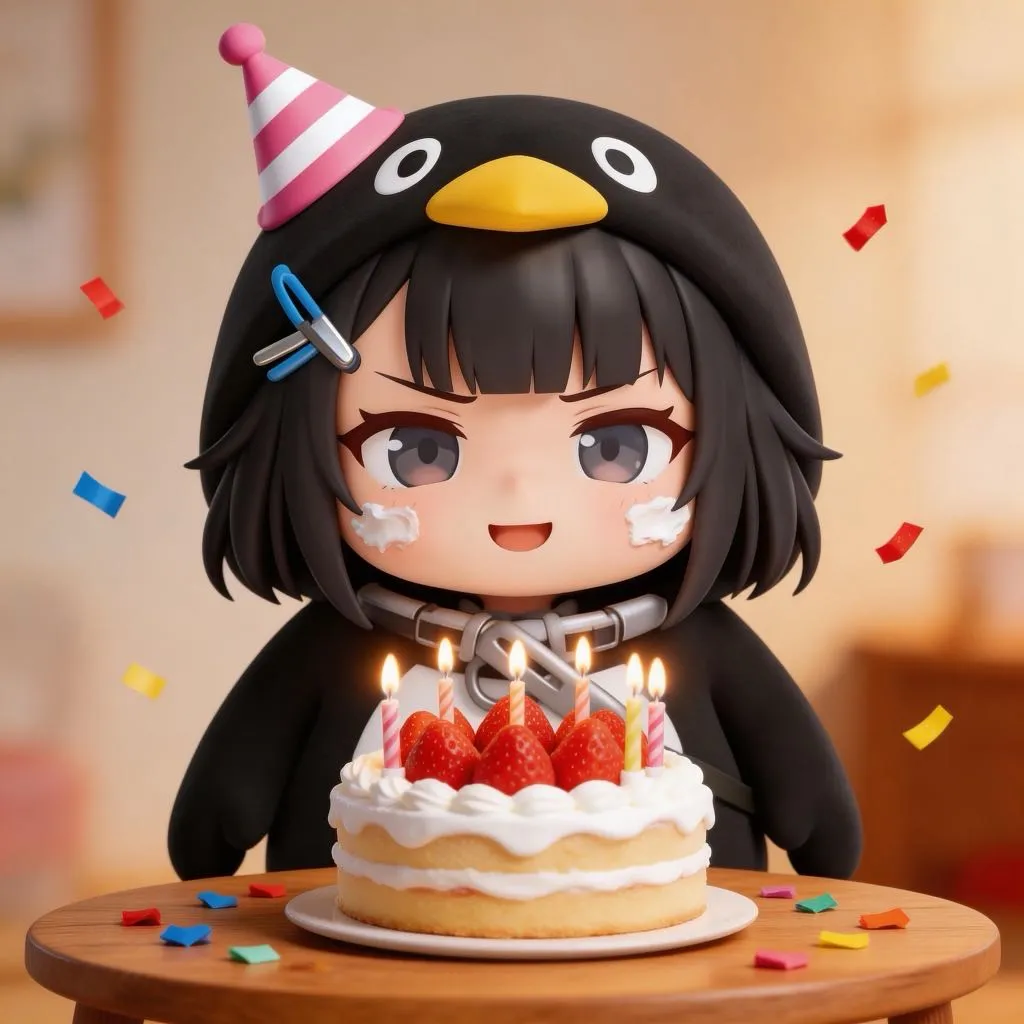
Cozy Scene
Fan-created AI art. Not official game content.
Frequently Asked Questions
What is the best free AI tool for making Gugugaga Penguin videos?
Seedance 2.0 (即梦) is the best free option to try. It offers free trial credits for eligible accounts, smooth motion output, and handles the chibi-style penguin character well. You can produce clips up to 12 seconds long.
Can I make professional quality videos without paying?
Yes, with some limits. Seedance 2.0 and Kling AI both have free tiers that produce solid results. For truly cinematic quality with longer clips, Runway Gen-3 at $12/month is worth it. ComfyUI with LTX is also free but requires a local GPU and technical setup.
Which AI video tool is easiest for beginners?
PixVerse is the top pick for character-consistent Endmin animations with free starter credits — you can verify output quality before committing to any plan. HitPaw remains the easiest one-click flow if you want the themed Gugu Gaga landing page experience with zero prompt setup.
Which tool keeps the Gugugaga Penguin looking consistent across clips?
PixVerse offers the best character consistency of any hosted tool we tested, with free credits you can use before committing to a paid plan — a strong first choice for chibi-style characters like the Endmin penguin. Kling AI is a reliable free-tier alternative for non-character scenes, and ComfyUI with LTX gives maximum control for advanced users who want frame-level precision.
How long can Gugugaga Penguin AI videos be?
It depends on the tool: PixVerse V6 supports up to 15 seconds per clip, Seedance 2.0 up to 12 seconds, Kling AI at 10 seconds, HitPaw at 5 seconds, and Runway Gen-3 at 16 seconds. ComfyUI with LTX has no hard limit since it runs locally on your own machine.
🔗 Keep Going
- Step-by-step tutorial — free, quick, and pro paths explained
- Free AI prompts for Seedance, Kling, and Runway — copy and paste ready
- Make your own Gugugaga Penguin image — starting point for video
- Free downloads — wallpapers, image packs, and reference images
- Tool guides index — deep-dives on every AI tool covered here